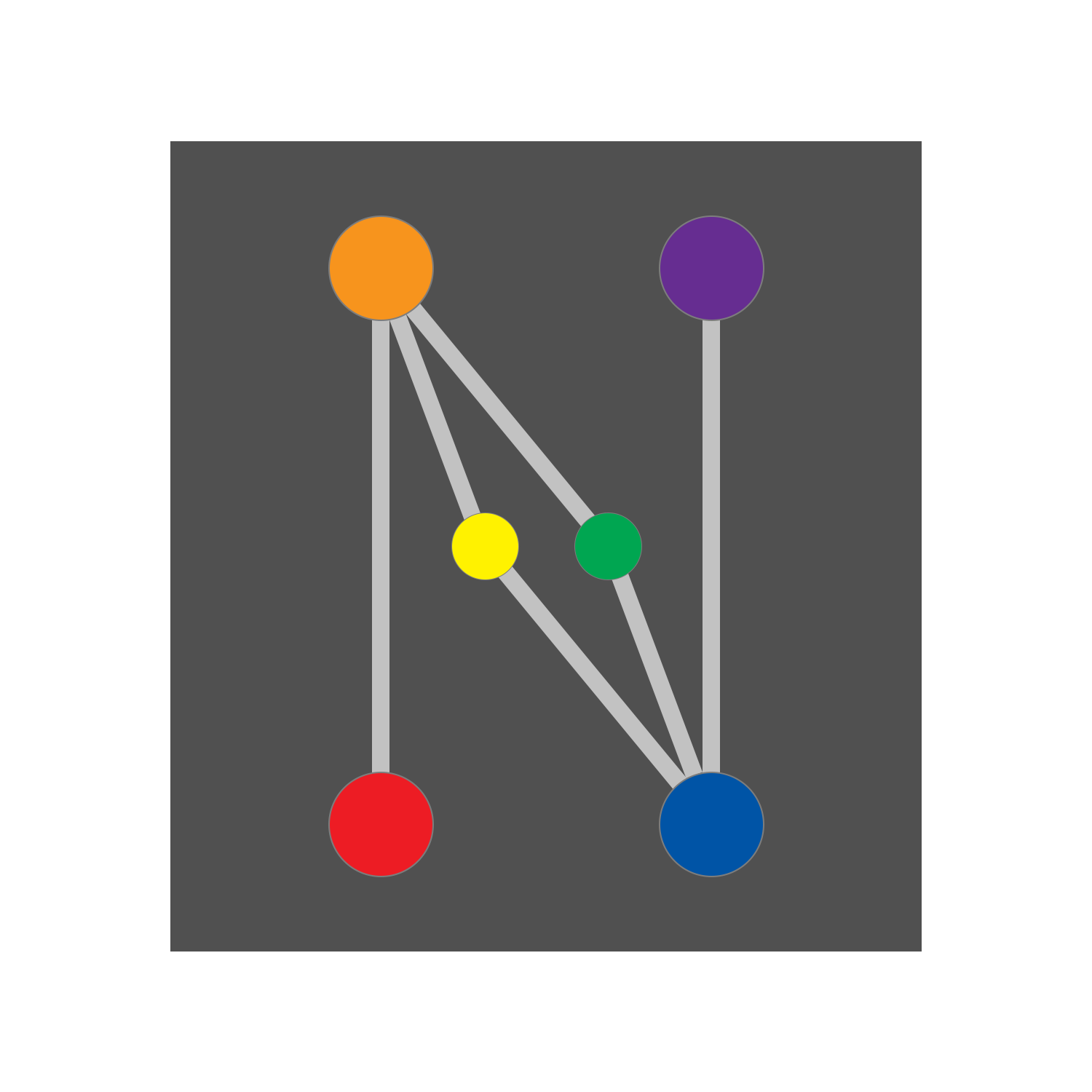
Devices and Controllers#
Device is the base class of every device, from sensors to motors.
Controller is a special type of device that can contain child devices. By
introducing controllers, we have a device tree. The tree always starts from a controller node known as the main
controller.
Register a Controller#
from leads import controller, MAIN_CONTROLLER
from leads_emulation import RandomController


@controller(MAIN_CONTROLLER)
class MainController(RandomController):
    pass
The example above registers RandomController as the main controller.
MAIN_CONTROLLER is the tag of the controller. In the device tree, every
device have a tag. You can use these predefined tags or custom strings.
Tip
All tags should be composed of lowercase letters and underscores only. It is not fatal, but it will make your project more disciplined.
Pass Arguments to the Controller#
To pass arguments to the device constructor, just include them in the decorator.
from leads import controller, MAIN_CONTROLLER
from leads_emulation import RandomController


@controller(MAIN_CONTROLLER, args=(10, 100), kwargs={"skid_possibility": 0.5})
class MainController(RandomController):
    pass
Register a Device#
As the top node of the device tree is always a controller, all devices must have a parent.
from leads import device, controller, MAIN_CONTROLLER, ODOMETER, Odometer
from leads_emulation import RandomController


@controller(MAIN_CONTROLLER)
class MainController(RandomController):
    pass


@device(ODOMETER, MAIN_CONTROLLER)
class ChildDevice(Odometer):
    pass
Register a Child Controller#
Controllers can be child devices of other controllers as well.
from leads import controller, MAIN_CONTROLLER
from leads_emulation import RandomController, SinController


@controller(MAIN_CONTROLLER, args=(10, 100), kwargs={"skid_possibility": 0.5})
class MainController(RandomController):
    pass


@controller("secondary_controller", MAIN_CONTROLLER)
class SecondaryController(SinController):
    pass
Define a Custom Device#
In many cases the built-in devices are not sufficient. You can define your devices in a separate module or along with the registration, which is shown below.
from typing import override as _override

from leads import controller, MAIN_CONTROLLER, device, Device, L
from leads_emulation import RandomController


@controller(MAIN_CONTROLLER, args=(10, 100), kwargs={"skid_possibility": 0.5})
class MainController(RandomController):
    pass


@device("my_device", MAIN_CONTROLLER)
class MyDevice(Device):
    def __init__(self) -> None:
        super().__init__()
        self._value: int = 0

    @_override
    def initialize(self, *parent_tags: str) -> None:
        super().initialize(*parent_tags)
        L.info("My device is initializing")

    @_override
    def write(self, payload: int) -> None:
        L.info(f"My device receives an input: {payload}")
        self._value = payload

    @_override
    def read(self) -> int:
        return self._value
Important
In most cases you should call super().initialize(*parent_tags) unless you know you want to break the initialization
chain.